%20(1).avif)



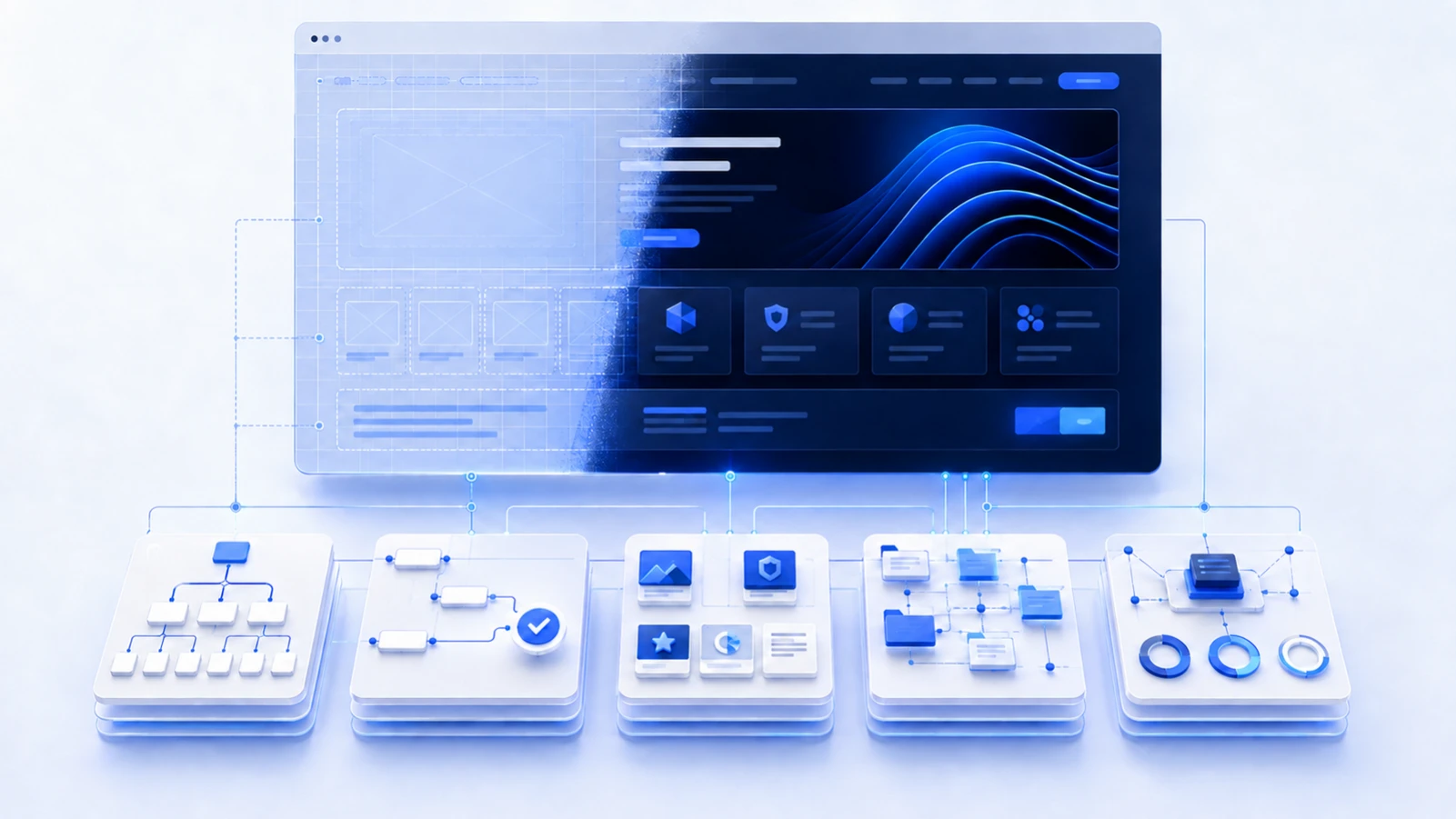
A B2B website redesign should not begin with color palettes, homepage concepts or animation references.
It should begin with a diagnosis.
Most underperforming B2B websites have several problems mixed together:
- The positioning is unclear
- The site architecture reflects the company's internal structure instead of the buyer journey
- Proof is weak or hard to find
- Every page pushes the same demo CTA
- Content has grown without a plan
- The CMS is difficult to update
- SEO pages are disconnected from the commercial site
- Analytics measure traffic but not useful buyer movement
If you redesign without fixing those decisions, you simply wrap the same problems in better visuals.
This guide explains what to repair before the rebuild starts.
What should you fix before a B2B website redesign?
Fix the underlying strategy first: positioning, audience, page architecture, proof, conversion paths, content, technical SEO, migration requirements, CMS ownership and measurement. Then design the new system around those decisions.
| Area | Question before redesign | Output |
|---|---|---|
| Positioning | Can the right buyer understand the offer quickly? | Approved messaging hierarchy |
| Audience | Who evaluates, uses, approves and buys? | Buyer and stakeholder map |
| Architecture | Can visitors reach the right page naturally? | New sitemap and page roles |
| Proof | What supports the claims? | Evidence inventory |
| SEO | What existing visibility must be protected? | URL and migration plan |
| CMS and analytics | Can the team operate the site after launch? | Ownership and measurement plan |
Why redesign projects go wrong
The visible website is often mistaken for the problem.
A team says:
The site feels old. We need a redesign.
That may be true, but “old” can hide very different issues.
The site may be:
- Visually dated but commercially clear
- Beautiful but badly positioned
- Easy to navigate but missing proof
- Strong on desktop but painful on mobile
- Generating traffic but sending it to weak landing pages
- Technically sound but impossible for marketing to update
Each requires a different solution.
A redesign is expensive if the diagnosis is wrong.
1. Fix positioning before writing new homepage copy
Give the current homepage to someone who fits the market but is not close to the company.
After a short review, ask:
- What does the company do?
- Who is it for?
- What problem does it solve?
- Why is it different?
- What should I do next?
If they cannot answer, do not start by changing the layout.
Fix the message.
B2B companies often accumulate language over time. Product adds one category. Sales uses another. Leadership introduces a new vision. The website tries to keep all of it.
A redesign is the right moment to decide which position the site is actually going to own.
2. Map the buying group, not just the ICP
B2B buying is rarely one-person browsing.
The user, champion, budget owner, technical evaluator and executive sponsor may all visit the website for different reasons.
Map the questions each needs answered.
For example:
- Champion: Can this solve my immediate problem?
- Technical evaluator: Does it fit our stack, security and deployment requirements?
- Executive: Why does this matter commercially?
- Procurement: What is the commercial and operational risk?
- User: What will the workflow actually feel like?
Turn the buying-group map into page requirements. Each reviewer needs a route to the information relevant to their decision; a broad ideal-customer label does not tell the website team which questions the site must answer.
3. Rebuild the sitemap around decisions
Do not copy the current navigation into a nicer header.
Every important page should have a job.
Common B2B page types include:
- Product or service pages
- Feature pages
- Use-case pages
- Industry pages
- Integration pages
- Pricing
- Security
- Case studies
- Resources
- About and team
- Contact
The right mix depends on the business.
A service company may need strong capability and industry pages. SaaS may need feature, integration and use-case architecture. An enterprise provider may need security and procurement content much earlier in the journey.
Do not create pages only because competitors have them.
4. Audit proof before designing proof sections
Designers can make proof look better. They cannot create proof that does not exist.
Before the rebuild, collect:
- Customer logos with permission status
- Case studies
- Testimonials
- Performance metrics
- Implementation examples
- Product screenshots
- Certifications
- Partner relationships
- Team credentials
- Awards and press where relevant
For each claim, ask whether it can be verified.
If the homepage says “trusted by leading enterprises” but the company cannot show who, why or how, the redesign should not simply make the claim larger.
5. Decide which pages need which CTA
“Book a demo” is not the correct next step for every visitor.
Map CTA to intent.
- Early research may lead to a guide or comparison.
- A feature page may lead to an interactive demo.
- A pricing page may lead to trial or sales.
- A security page may lead to a trust center or review process.
- A service page may lead to a scoped inquiry.
- A case study may lead to the related solution.
The redesign should reduce friction, not increase the number of buttons.
6. Audit what currently ranks before touching URLs
This is one of the easiest ways to damage a redesign.
Before changing the sitemap, export:
- Indexed URLs
- Organic landing pages
- Keywords by page
- Backlinks to important URLs
- Top internal links
- Conversion data where available
Then decide whether each URL should:
- Stay
- Be improved
- Merge into another page
- Redirect
- Be removed
A website rebuild should preserve valuable search equity where possible.
For the crawl, redirect, canonical and performance work behind that migration, use our technical SEO services guide.
Use Google's site-move guidance when URLs change. Map old destinations to relevant replacements, implement redirects and check internal links and the new sitemap. A migration plan reduces avoidable issues; it cannot guarantee rankings remain unchanged.
7. Stop treating the blog as a separate website
A lot of B2B sites have a strange split.
The commercial pages were written by one team. The blog was written by another. They barely link to each other.
During redesign, map content into the commercial architecture.
Articles should support:
- Products
- Services
- Industries
- Use cases
- Integrations
- Comparisons
The blog should answer the questions that appear before a buyer reaches those pages.
For SaaS, the product-page-first approach connects articles to the information needed for evaluation. During a redesign, keep the useful content and give each article a relevant product or service handoff.
8. Design the CMS before the pages
A redesign is not finished when the launch goes live.
Marketing needs to keep operating it.
Before build, define which content should be CMS-driven:
- Case studies
- Blog posts
- Team profiles
- Industries
- Locations
- Integrations
- Events
- Resources
Then decide what fields each template needs and what should remain static.
A good CMS structure improves consistency and makes new pages faster to publish.
A bad one creates awkward templates and forces teams to ask developers for simple changes.
9. Decide who owns the website after launch
Write this down before the build begins.
Who can:
- Update copy?
- Create a new page?
- Publish a case study?
- Add a redirect?
- Change metadata?
- Edit the navigation?
- Update forms?
- Review analytics?
- Fix technical issues?
The platform should fit the operating model.
At NexaFlow, we build B2B sites in Webflow because it gives marketing teams strong control without forcing every routine content change through engineering. The exact setup still needs a sensible component and CMS system.
10. Review performance, accessibility and technical dependencies
The new site may use different fonts, scripts, animations, forms and integrations.
Document technical requirements before design becomes fixed.
Review:
- Core Web Vitals
- Mobile layout
- Keyboard access
- Color contrast
- Form labels and errors
- Cookie and consent tools
- CRM integration
- Analytics
- Chat tools
- Personalisation
- Localization
- Tracking scripts
A homepage concept that only works after loading several megabytes of video and animation may create a problem before development even begins.
11. Create a measurement plan before launch
Decide what “better website” means.
Possible measures include:
- Qualified inquiry rate
- Demo or trial starts
- Movement from content into commercial pages
- Organic visibility for priority pages
- Engagement with proof
- Pricing-page progression
- Contact-form completion
- Mobile performance
- Content publishing speed
Capture the baseline before redesign so the team can compare properly after launch.
12. Decide whether you need a rebuild at all
Sometimes the right project is smaller.
You may not need a full redesign if:
- The structure is strong and the main issue is messaging
- The design system can be extended
- The CMS is working
- SEO architecture is sound
- Only a handful of key pages are underperforming
A full rebuild makes more sense when:
- The page architecture no longer fits the business
- The platform slows every update
- The brand has materially changed
- The site has accumulated technical debt
- The experience is inconsistent across templates
- A migration is required anyway
Do not rebuild because a new leadership team wants a new homepage animation.
A practical pre-redesign checklist
- Confirm positioning and audience.
- Map buying-group questions.
- Audit current pages and organic performance.
- Inventory proof and claims.
- Define the sitemap and page roles.
- Map conversion paths.
- Decide what content becomes CMS-driven.
- Create the URL and redirect plan.
- Document integrations and technical requirements.
- Set accessibility and performance standards.
- Assign website ownership.
- Record baseline metrics.
A pre-design approval brief
Before producing final page layouts, ask the decision-makers to approve a short brief with these outputs. The examples show what "ready for design" means, not an extra report for its own sake.
| Decision | Required output | Acceptance check |
|---|---|---|
| Priority buyer and offer | One agreed product or service explanation | Leadership, sales and marketing describe the same audience and job |
| Page architecture | A sitemap with a purpose for each key page | The buyer can reach relevant capability, evidence and next action |
| Proof | Approved claims with source, owner and permission status | The design uses evidence the company can publish accurately |
| Migration | Existing-to-new URL decisions and redirect owners | Important landing pages and links have a planned destination |
| Operations | CMS, form, integration and publishing responsibilities | Routine changes have a named owner after launch |
| Measurement | Baseline and success measures by page role | The team can check qualified actions, not only total traffic |
If a row is unresolved, assign the decision rather than expecting the designer to invent it in a layout review. This is especially important when an identity, acquisition or new product is changing the company's story.
How should a B2B redesign project be phased?
A practical sequence is:
| Phase | Main output |
|---|---|
| 1. Diagnose | Research, analytics, SEO audit, stakeholder input and problem definition |
| 2. Structure | Positioning, sitemap, page roles, proof map and content requirements |
| 3. Design | Visual direction, core pages and reusable design system |
| 4. Build | CMS, components, integrations, responsive implementation and migration |
| 5. Validate | QA, redirects, analytics, SEO checks, accessibility review and launch |
Choose the smallest project that resolves the diagnosis
If the structure and platform work, start with the message, proof or a few important pages. If those foundations have changed across the business, use the approved brief to scope the wider rebuild.
Review NexaFlow's website design and Webflow service or SaaS website design for a product-focused site. If brand direction is part of the dispute, read the rebrand-versus-redesign decision guide. Share the current URL, the business change behind the project and the biggest operating constraint so we can identify what needs deciding before page design.
Technical migration reference
Google Search Central: site moves with URL changes covers the migration process. Apply it alongside the existing performance data and a checked URL map, rather than assuming a visual rebuild will preserve search visibility by itself.