PropTech Presentation Design for Product Sales and Investment

Property software can connect landlords, agents, operators and occupants without giving each of them the same reason to buy. We design PropTech sales and investor presentations that make those roles understandable, using product workflows, selected screens and your commercial evidence to explain the business behind the platform.
Editable files. Agreed scope. A deck built for its audience.

Explain the property workflow before the feature set

An operator evaluating your platform wants to see where it fits in the work already happening across a building, portfolio or transaction. A deck full of disconnected dashboards leaves that question open. We build the presentation around a recognizable task, showing the people involved, the information they exchange and the action the product enables. The purchasing case follows from that explanation, with implementation detail available for the team assessing how the platform would work in its environment.
Discuss your presentation
Editable
PowerPoint or Google Slides delivery, with editable layouts and a PDF for distribution.
Scoped
Content support, slide volume, versions and custom visuals agreed before work starts.
Reviewed
Your team approves the narrative, supplied figures and final deck before delivery.
Make users, customers and revenue relationships visible
A tenant using an app may have a different role from the property manager approving the purchase. In a marketplace, the parties creating demand and supplying inventory may also pay in different ways. We use role maps, transaction diagrams and business-model slides to explain those distinctions from your source material. Screens illustrate the relevant steps instead of replacing the explanation. Investor presentations can then connect product use to your supplied adoption, revenue and growth information without confusing activity on the platform with the company’s own revenue.

Choose the right starting point for your PropTech deck

Some teams have a settled product story and need better slides. Others have demo material, customer notes and business information that still need a clear sequence. We scope the content work separately so you know whether we are designing an approved argument or developing one with you.

Property workflow and product slide redesign

Bring an approved deck or slide outline with the product claims and commercial story already agreed. We redesign the screens, diagrams and data pages around that content, giving the property workflow a consistent visual language. Your existing brand guides the deck, while recurring information receives layouts that remain practical to edit.

Operator value story and presentation design

When the product explanation lives across demos, founder notes and sales documents, we first shape a coherent argument. That can mean separating operator value from user activity, clarifying the business model or making the adoption case easier to follow. The reviewed narrative then becomes the basis for the slide design.

Product and workflow slide libraries

For teams selling into several property segments, we can build reusable layouts for role maps, integrations, customer examples and product screens. A shared visual system keeps the platform recognizable while allowing an asset manager’s conversation to differ from a property operator’s. We agree which layouts need recurring updates before building the library.

Sales, technical and investor versions

A sales deck should help an operator assess a purchase; an investor deck should explain the company. We can develop related versions with different narratives and supporting detail, reusing appropriate product visuals. A technical appendix can hold integration and rollout information without making every introduction a systems review.

PropTech presentation work for different buying conversations

We design the materials that help prospects and investors understand what your platform changes. The commission can focus on one presentation or a related set, with the audience, source content and editing requirements established for each output.
01
Operator sales decks
Present the current property task, the proposed workflow and the reasons an operator would adopt it. We connect the buying argument to the people who will use and manage the product, with relevant customer evidence alongside the explanation.
Get In Touch
02
Multi-party workflow diagrams
Show how information moves between agents, landlords, residents or service teams. We give roles and handoffs consistent labels, making it easier to identify what happens inside the platform and what remains with an external person or system.
Get In Touch
03
Product demonstration decks
Give a demo a clear task and a useful sequence before the presenter opens the product. Selected screens explain the starting point, important actions and result, leaving detailed functionality for the questions that actually arise in the meeting.
Get In Touch
04
Integration and rollout presentations
Organize your implementation notes into a practical discussion of systems, data inputs, ownership and rollout stages. These slides help an operator understand the work involved in adoption and give technical colleagues a clear place to examine the supporting detail.
Get In Touch
05
PropTech investor presentations
Develop the company story around your market, product, business model and supplied traction. We distinguish customers from users and transaction value from company revenue so the visual presentation reflects the commercial model you are asking investors to assess.
Get In Touch
06
Customer evidence and update slides
Turn approved customer material into a readable account of the operating setting, implementation and reported result. Recurring update layouts can carry the same metric definitions and reporting periods, making later comparisons easier for your team to prepare.
Get In Touch
Your presentation handover

Editable decks with reusable property-workflow visuals

The agreed deliverables include the editable presentation and a PDF, with the software and audience versions confirmed in the scope. We identify which workflow diagrams, screen treatments and charts need future editing and build those elements accordingly. Reusable layouts can be included for customer stories, rollout stages and product updates. At handover, your team receives a consistent way to present the platform without rebuilding the visual explanation for every prospect.

check icon
Designed deck in the agreed software
check icon
Editable PowerPoint or Google Slides file
check icon
PDF for distribution
check icon
Agreed custom charts, diagrams and graphics
check icon
Layouts matched to your brand
check icon
Narrative and copy development where scoped
check icon
Reusable layouts where agreed
check icon
Charts built from your approved data
check icon
Template guidance where included
check icon
Unlimited revisions within the agreed brief

Build the presentation around a real product conversation

We work from the material your product and commercial teams already use, then establish the story and slide treatments before completing the deck. The process makes room for factual checks while keeping product explanation, design decisions and final editing requirements connected.

01
Scope and deadline

First we identify the meeting: an operator sales conversation, an integration review or a fundraise. We discuss the property segment, who pays and who uses the platform, then agree the output, presentation software, reviewers and deadline around that specific use.

02
Content review

Your product walkthrough, existing deck and implementation notes show us what is ready to use. We check the relationship between screens, claims and customer evidence, flagging missing definitions or outdated examples before they become part of the presentation.

03
Narrative approval

If narrative work is included, we map the task, product intervention and buying case into a slide sequence. For an investor version, the business model and company evidence receive their own argument rather than being attached to a sales demo.

04
Visual direction

We test representative screens, a multi-party workflow and a data slide against your brand. This establishes how roles, system boundaries and metrics will look, with readable labels that can work across both a main deck and supporting pages.

05
Full deck and review

The agreed visual direction is applied across the presentation. We check diagram labels, screen crops, metric definitions and the connection between headings and evidence, then bring questions about product behavior or commercial statements to the relevant content owner.

06
Files and handover

Before delivery, we review the agreed audience versions and confirm that reusable elements are editable in the chosen software. The final files include the approved presentation and PDF, with a walkthrough of the layouts your team will update most often.

Agree the work before committing to a deadline

A presentation can be strong in one area and weak in another. We establish what needs fixing before starting the project, so the work addresses the content, design or reuse problem you actually have.
1
A story that holds together

We review whether the audience can follow the argument and see the next step. Narrative work addresses gaps, slide order and copy before design starts.

Get Started
2
Visuals that explain the content

We use charts, diagrams and layout to make the main point visible. Important evidence gets context, and detailed material has a place without overwhelming the slide.
‍

Get Started
3
A file your team can use

The handover supports the next meeting and the next update. We confirm software, versions and reusable layouts around your team’s workflow.
‍

Get Started

Presentation design pricing

Presentation design starts at $2,500 with approved content supplied. Deck narrative and design starts at $3,500. Your quote confirms content work, slide volume, versions and delivery milestones.
Send your material for a scoped quote.
One-off project
Presentation design
$2,500+
One-time payment
Presentation design from approved content starts at $2,500. Narrative development and design starts at $3,500. Both include an editable deck and PDF; the final price reflects the material, visuals and versions required.
check icon
Visual design from approved content
check icon
Agreed charts, graphics and diagrams
check icon
PowerPoint or Google Slides
check icon
PDF for distribution
check icon
Editable source file
check icon
Unlimited revisions within the agreed brief
Discuss your presentation
Retainer
Ongoing design support
$4,000/mo
Pause or cancel creative support
Ongoing decks, print and digital design using your existing brand. We agree the queue and monthly capacity in advance. New identities and Webflow builds are outside this plan.
Support using your existing brand:
check icon
Agreed creative queue and capacity
check icon
Deck & presentation design
check icon
Design using your existing brand
check icon
Print design
check icon
Digital design & email templates
check icon
Unlimited revisions within the agreed brief
check icon
Dedicated account manager
check icon
Pause or cancel creative support
Discuss your presentation
Retainer
Brand and Webflow partner
$8,500/mo
Pause or cancel creative support
Agreed priorities across brand, Webflow and sales materials. Scope, capacity and milestones are agreed in advance. A full website is not assumed to be completed in the first month.
Agreed brand and Webflow priorities:
check icon
Agreed Webflow design & development
check icon
Webflow updates within agreed capacity
check icon
Scoped landing pages & sales materials
check icon
Web animations as agreed
check icon
Unlimited revisions within the agreed brief
check icon
Strategy calls around agreed milestones
check icon
Dedicated Slack Channel
check icon
Pause or cancel creative support
Discuss your presentation
Retainer
Creative and growth partner
$12,500/mo
Pause or cancel creative support
Broader creative and Webflow support with dedicated, scoped SEO and agreed motion. Your plan defines the creative capacity, SEO workstream and delivery priorities.
Agreed creative and growth priorities:
check icon
Agreed creative capacity and SEO workstream
check icon
Dedicated, scoped SEO workstream
check icon
Search and AI visibility work as agreed
check icon
Motion design and editing as agreed
check icon
Social creatives within agreed scope
check icon
Unlimited revisions within the agreed brief
check icon
Strategy calls around agreed milestones
check icon
Pause or cancel creative support
Discuss your presentation

Selected brand and website work

AI Talent Recruitment
A founder-friendly Webflow website for an AI recruiting startup
Hospitality & Entertainment
Building the Online Presence That Mallorca's Best Dinner Show Deserves
4 weeks
From first meeting to a live investor-facing website
Private Equity
A complete Webflow website for a values-aligned investment firm
Baraka Prosperity Partners
Read story
Read story
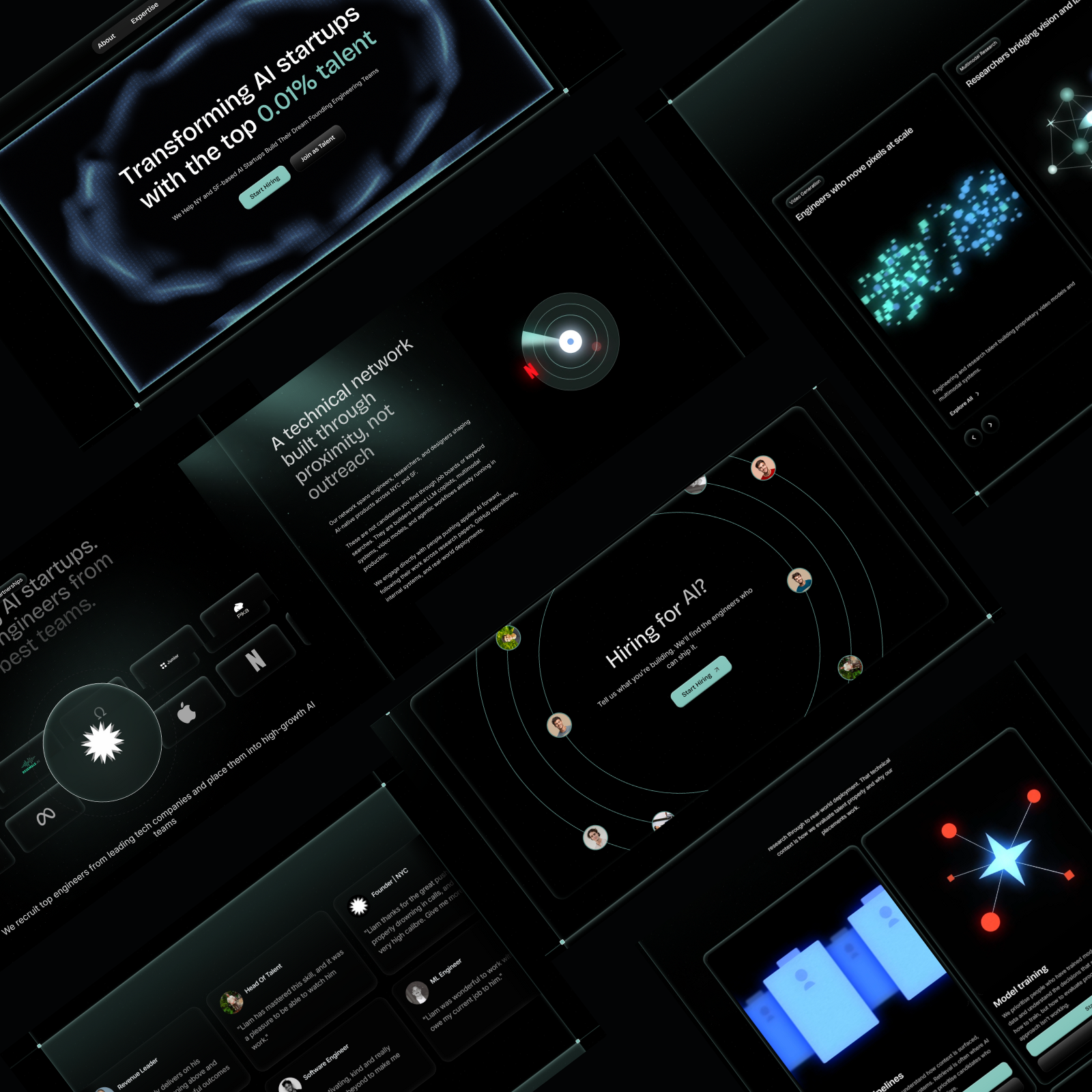
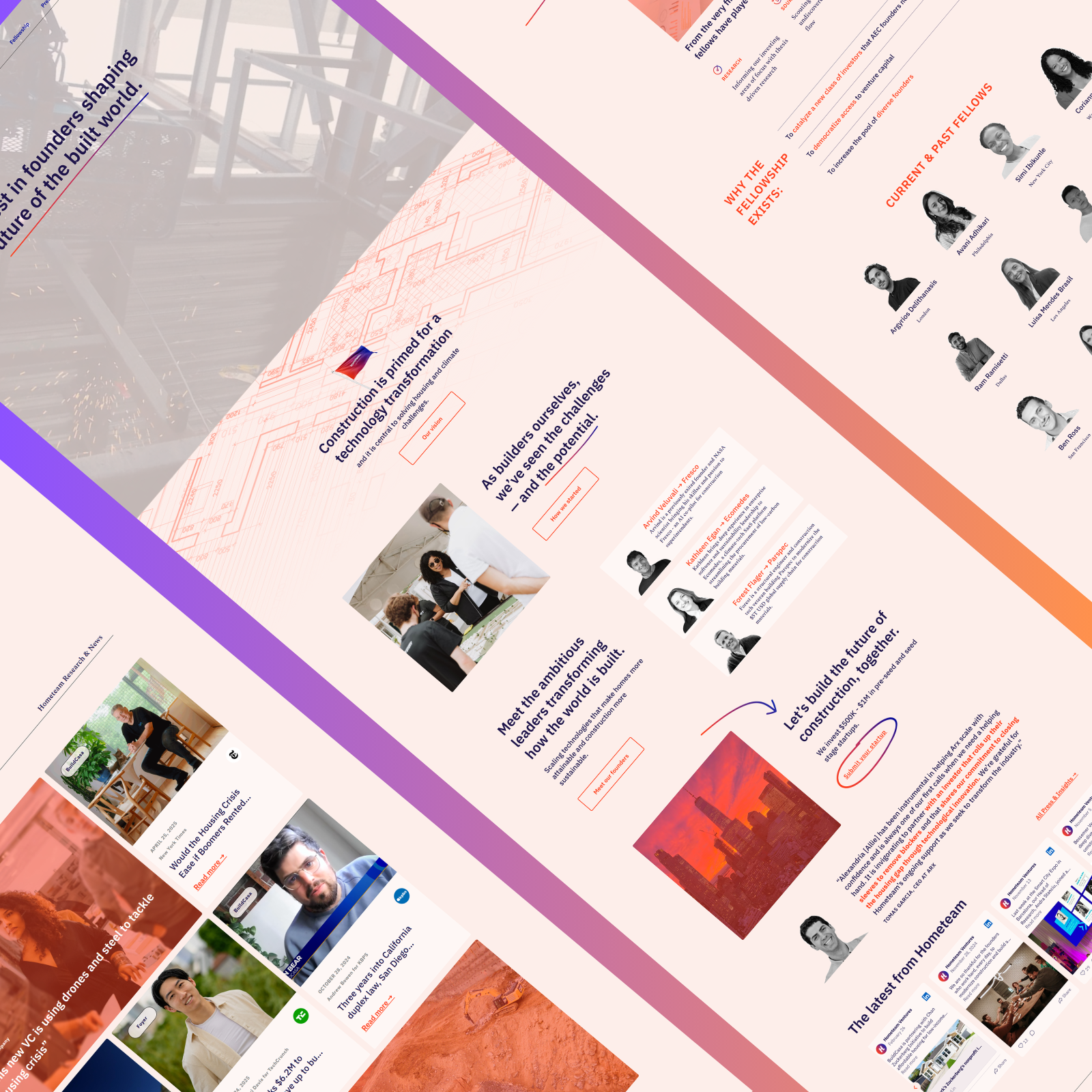
PropTech
Figma to Webflow Build for a Global PropTech VC Firm
Hometeam Ventures
Read story
Read story
Innovation / Investment
Technical SEO & Webflow Optimisation for a Policy and Investment Firm
Applio Ventures
Read story
Read story
AI Healthcare
Protecting search visibility through a Webflow migration for a HIPAA-compliant AI platform
AI Platform (Name Withheld)
Read story
Read story
Marketing for ERP consultancies
A Webflow website built for expert ERP buyers
Ascension Marketing
Read story
Read story
Custom Furniture & Home Renovation
A Website as Custom as the Loft Beds They Build
Fitness & Personal Coaching
From Zero Online Presence to the Go-To Calisthenics Coach in the UK
The Calisthenics Coach
Read story
Read story
Home Improvement & Trades
Building the Brand and Online Presence That a 30-Year Door Fitting Business Deserved
My Door Fitters
Read story
Read story

Presentation design FAQs

Can one deck explain a platform used by several property stakeholders?
arrow down
It can, provided the relationships are explicit. We can show a shared workflow while identifying the customer, day-to-day users and other participants separately. A property manager may purchase a platform that residents and contractors also use. The deck should explain what each party does and why the purchasing organization would introduce it, rather than giving every user an identical value proposition.
How is a PropTech deck different from a property investment presentation?
arrow down
A PropTech presentation explains a technology business or software purchase. Its evidence concerns the product, users, customers and commercial model. A property development presentation focuses on a specific site or asset, its delivery and the supplied financial assumptions. We can clarify the boundary where a business involves both, so the audience understands what it is being asked to buy or invest in.
Can you make our product demo work as a follow-up presentation?
arrow down
Yes. A live demonstration often relies on commentary that disappears when the slides are forwarded. We can add the context needed to follow a selected task, using short explanatory passages and labeled screens. The follow-up version can include implementation or customer evidence that would interrupt a live walkthrough, while retaining the same product terminology and visual identity.
Can the slides show integrations without becoming too technical?
arrow down
We can explain the relevant systems and information handoffs in a main-deck diagram, then reserve more detailed connections for an appendix. The level of detail depends on the buyer’s decision. We work from your integration notes and product team’s explanation, identifying which connections exist today and which need project-specific discussion rather than implying that every connection is already available.
How is a PropTech presentation project scoped and quoted?
arrow down
We assess the content readiness, number of audience versions, screen treatments, workflow diagrams and commercial data involved. A deck needing a new narrative requires different work from an approved presentation needing design. You receive a fixed quote before work starts, and any additional versions or other scope changes, including the revised cost, are agreed before the extra work is carried out.
How do you distinguish current product capabilities from the roadmap?
arrow down
We label roadmap material and place it where it supports the future plan, separate from the explanation of the current product. Your team confirms what is available, in development or dependent on a customer’s setup. Screens and workflow diagrams follow the same distinction, so a polished concept or planned connection does not appear to be a feature already in use.
Smiling man with dark curly hair and beard wearing a white dress shirt against a geometric background.
Have a presentation to review?
Send the current material, audience and deadline.
Discuss your presentation