%20(1).avif)



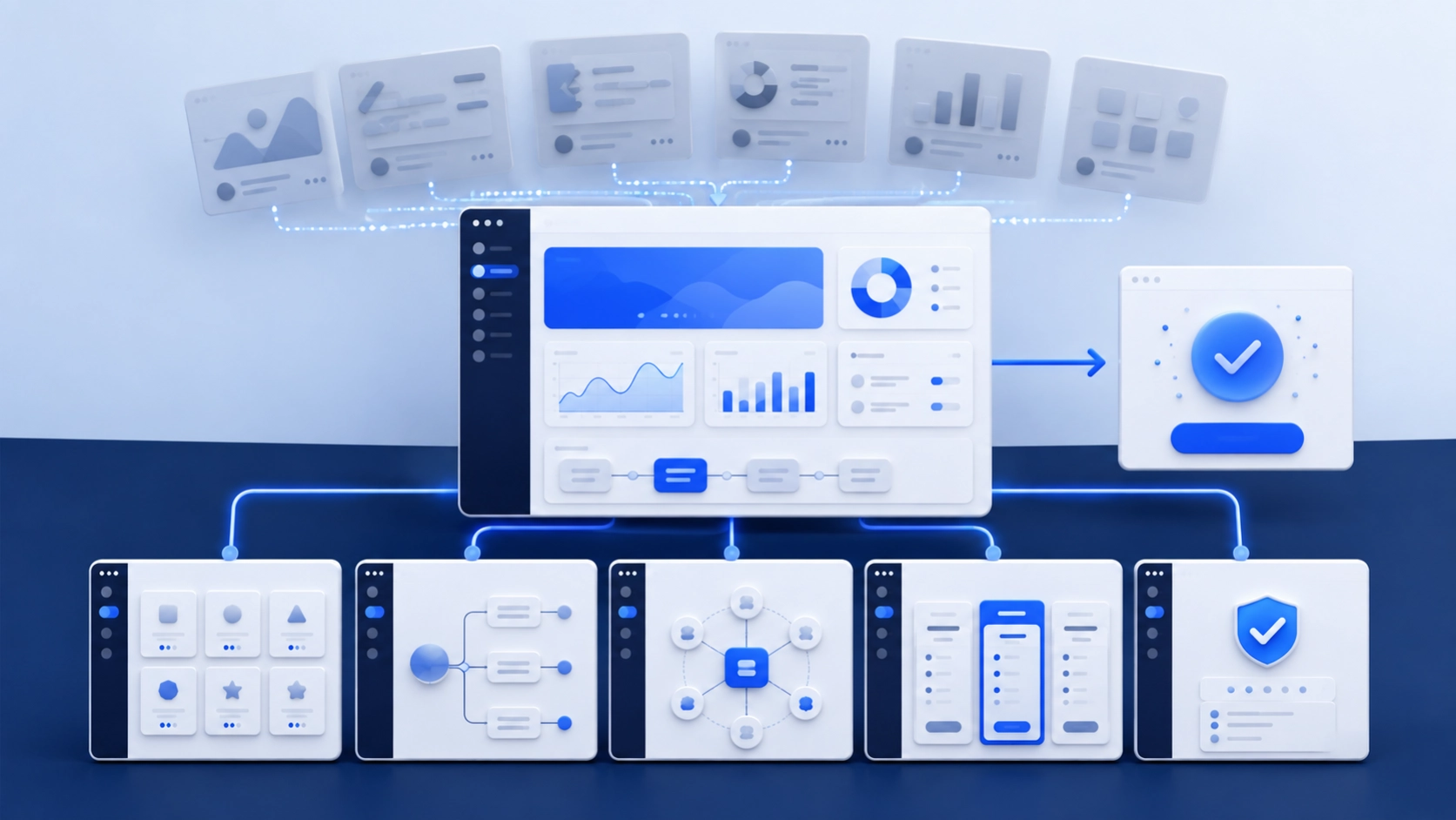
SaaS startups should fix their product pages before scaling a blog because those pages explain what the software does, who it is for, how it works and why a buyer should take the next step. Blog traffic cannot compensate for vague positioning, missing product proof, thin feature pages or a demo route that asks visitors to commit before they understand the product.
This does not mean a startup must stop publishing. It means the website needs a credible commercial core before the team invests heavily in top-of-funnel traffic. The strongest SaaS content strategy connects every useful article to a product, feature, use case, integration, comparison or pricing page that can continue the buyer's journey.
What counts as a SaaS product page?
A SaaS product page is any durable page that helps a prospective customer understand or evaluate the software. It includes more than the main product overview.
The exact set depends on the product and sales model. A self-serve tool may need pricing and onboarding clarity first. Enterprise SaaS may need security, integration and implementation detail before a demo request feels reasonable.
Why does a blog-first SaaS strategy fail?
A blog-first strategy fails when it creates attention without a route to evaluation. The article may rank for a broad problem, but the website cannot answer the visitor's next questions:
- Does this product solve my specific use case?
- Which features are relevant to my team?
- Can I see the interface before booking a call?
- Does it integrate with the tools we already use?
- What are the limits, implementation needs and costs?
- Is there evidence from a customer like us?
- Is the product secure enough for our organization?
When those answers are missing, internal links point to a generic homepage and every CTA says “book a demo.” The blog becomes a disconnected traffic project instead of part of the sales system.
The opposite mistake is creating hundreds of thin product pages. Google recommends people-first content with original value and warns against mass-producing pages mainly to capture search visits. A useful product architecture has one strong page per meaningful decision, not one generated page per keyword variation.
1. Make the product understandable in one screen
Before keyword optimization, run a clarity test. Give the homepage or product page to someone who fits the market but has not seen the product. After a short review, ask them:
- What does the product do?
- Who is it for?
- Which problem does it solve?
- What should I do next?
If the answers depend on insider knowledge, fix the message. Replace phrases such as “AI-powered orchestration platform” with a precise description of the task, audience and result. The headline does not need to explain every feature. It needs to establish the correct category and value clearly enough for the visitor to continue.
Support the message with a real product image, annotated workflow, short demo or interactive example. Abstract gradients and floating cards may look polished, but they do not prove the product exists or show how it works.
2. Build the page architecture around buyer intent
Map the queries and sales questions that belong to each page type. The product overview should own the broad category and positioning. Feature pages should own distinct capabilities. Use-case pages should explain a workflow or job. Integration pages should answer compatibility questions. Comparisons should support active evaluation.
Do not make every page compete for “[category] software.” Assign one primary intent to one primary URL. Then link related pages in the direction a buyer would naturally move:
- Problem article to use-case page
- Use-case page to relevant features
- Feature page to integration or documentation
- Comparison page to pricing or trial
- Case study to the product pages that support the result
This structure also gives search and AI systems a clearer picture of the product's entities, capabilities, audiences and relationships.
3. Replace feature lists with product evidence
A feature claim is not the same as evidence. “Automated reporting” leaves important questions unanswered. What is automated? Which data sources are supported? Who controls the schedule? What does the output look like? What happens when a source fails?
For each important feature, include:
- The job it helps the user complete
- The workflow before and after the feature
- A real screenshot, diagram or short demonstration
- Supported inputs, outputs or integrations
- Permissions and user roles
- Important limitations or prerequisites
- A link to relevant documentation
- A customer example when permission and evidence exist
- A clear next step
Accuracy matters when the product changes. Assign an owner and update trigger to every product page. A comparison or integration page that describes last year's product can damage trust even if it still attracts clicks.
4. Use use-case pages to connect features to outcomes
Feature pages explain what the software can do. Use-case pages show how a particular team uses several capabilities to complete a real job.
A strong use-case page should identify:
- The role or team
- The starting problem
- The current workaround and its cost or risk
- The workflow in the product
- The features and integrations involved
- Time, adoption or implementation requirements
- The outcome and how it could be measured
- Evidence from a suitable customer where available
Avoid changing only the industry name across a template. “Project management for healthcare,” “project management for finance” and “project management for agencies” need distinct workflow, control, integration and proof if they deserve separate pages.
5. Publish integration pages that answer technical questions
An integration logo grid is not enough for a buyer evaluating stack fit. Each important integration page should explain whether the connection is native or third-party, what data moves, which direction it moves, how authentication works, what permissions are required, which plans include it and where the setup documentation lives.
If the integration is planned rather than available, say so. If it requires a connector, middleware or paid professional service, disclose that. Technical buyers often discover the gap after a sales call; answering it on the page can qualify the opportunity earlier.
NexaFlow's founders come from managed services, cloud, Azure and Microsoft backgrounds. That experience is useful when examining deployment, identity, permissions, integrations and the questions technical stakeholders bring to a website. Product claims must still be verified by the SaaS company's product and engineering owners.
6. Make pricing and conversion paths match the sales motion
A product-led trial, a sales-assisted demo and an enterprise procurement process should not use the same page logic.
For self-serve SaaS, explain the price, billing unit, included usage, limits, overages, cancellation and whether a credit card is required. For enterprise SaaS, exact public pricing may not be practical, but the page can still explain the pricing basis, packaging, implementation factors and who should contact sales.
Choose a primary action for each page. A feature page may lead to an interactive demo; a security page may lead to a trust center or review request; a high-intent comparison page may lead to trial or sales. Repeating one CTA at several points is fine. Presenting four unrelated actions at once creates unnecessary choice.
7. Fix the technical foundation before adding hundreds of URLs
SaaS sites often combine a marketing CMS, JavaScript framework, documentation platform, app subdomain and localization layer. That stack can create duplicate URLs, inaccessible content and competing canonicals.
Check:
- Important pages return indexable HTML and do not require sign-in.
- Navigation and internal links are crawlable.
- Canonical tags and language annotations are correct.
- Marketing, docs and app subdomains have clear roles.
- The sitemap contains current public pages only.
- Staging environments are not indexed.
- Old feature and campaign URLs redirect to the best replacement.
- Product visuals are compressed without becoming unreadable.
- Consent, chat and analytics scripts do not block the page.
- Core Web Vitals are reviewed by template, not only on the homepage.
Google's Search Essentials make clear that meeting technical requirements does not guarantee ranking. Technical work makes a page eligible and usable; the page still needs to satisfy the buyer's intent.
8. Make product information useful for AI search
AI visibility begins with the same accessible, accurate product information needed for conventional search. Google says there are no special technical requirements or extra schema needed for its AI features.
Product pages can become easier to retrieve and cite when they:
- Answer a specific product question directly
- Use stable names for features, plans and integrations
- Explain who the feature is for and when it is not a fit
- Include current product visuals and documentation
- State limits, dependencies and pricing rules clearly
- Attribute customer results and explain how they were measured
- Identify the product expert responsible for accuracy
- Use supported structured data only where it matches visible content
- Keep facts consistent across the website, documentation, listings and profiles
Do not create a long FAQ full of invented questions simply to target answer engines. Use questions from sales calls, onboarding, support, product research and query data.
9. Build the blog around the commercial pages
Once the core pages are credible, use the blog to answer earlier-stage questions and remove obstacles to evaluation. Each article should have a defined relationship with a commercial page.
The article should still be useful if the reader never buys. That is what keeps the transition credible.
A 30-day product-page-first plan
Week 1: Establish the facts
Interview product, sales, success and engineering. Confirm the ideal customer, product category, major jobs, live features, limits, integrations, security facts and conversion path. Gather real screenshots and documentation.
Week 2: Repair the commercial core
Rewrite the homepage or product overview, pricing route and top two feature or use-case pages. Add proof, ownership and a clear next action.
Week 3: Repair the technical path
Check indexation, rendering, canonicals, sitemaps, navigation, redirects, performance and analytics. Make sure the intended pages are measurable and accessible.
Week 4: Connect the content system
Choose the next articles from buyer questions and link each one to a specific commercial page. Create a refresh process so product pages and content change when the software changes.
When should a SaaS startup publish content before all product pages are finished?
There are reasonable exceptions. An early-stage company may need educational content to test problem language, explain a new category or build a waitlist before the full product is ready. A technical product may earn demand through documentation or open-source tutorials before a conventional marketing site is mature.
Even then, the destination should state what exists today, who it is for, what the reader can do next and what remains unavailable. Do not let an active blog create the impression of a finished product when the offer is still exploratory.
How should a SaaS startup measure the change?
Measure by page role and buyer movement:
- Non-brand impressions and clicks to product, feature and use-case pages
- Trial starts, qualified demos or another primary conversion
- Visits that move from an article to a commercial page
- Product-page engagement before an opportunity is created
- Search visibility for feature, use-case, integration and comparison terms
- Accuracy of product mentions and citations in AI answers
- Sales questions answered by the site before a call
- Conversion rate by intent and traffic source
- Product pages awaiting owner review or a scheduled update
Do not judge the strategy only by total organic traffic. A smaller number of visitors evaluating the right use case can matter more than a broad article with no connection to the product.
What should you fix first?
Fix the point where product understanding breaks. For one startup, that may be the homepage. For another, it may be a missing integration page, an opaque pricing model or a feature page that has no evidence. Use search data, sales calls, session evidence and customer questions to find the break.
NexaFlow can map the product-page architecture, improve the website experience and build the SEO, AEO and GEO content system around it. For a related design perspective, read why a SaaS website is judged like a product demo. If your content has traffic but no strong path into the product, book a website and search review.