


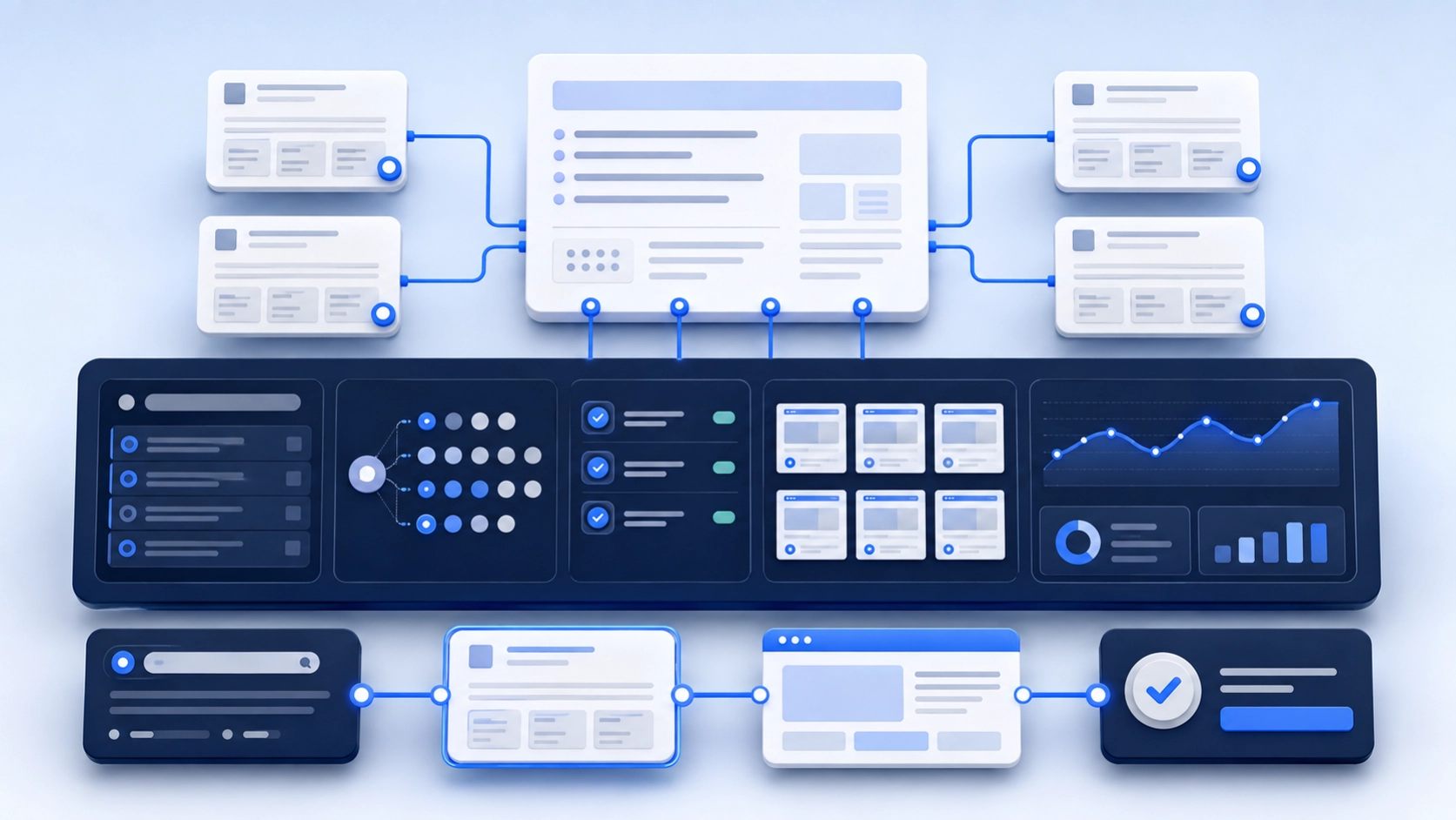
Google AI Overview visibility should be measured as a set of signals, not one “AI ranking.” Track whether an Overview appears for a fixed query, whether the business is mentioned, which page is cited, whether the description is accurate, what traffic reaches the site and whether that traffic converts.
A single screenshot proves only that one result appeared for one query at one time. A repeatable measurement system shows whether visibility is improving and whether it matters commercially.
How Do You Track Google AI Overview Visibility?
Create a fixed list of buyer queries, record public results on a regular schedule, inspect Google’s reported generative AI impressions and test analytics events. Connect qualified actions to the CRM. Each source measures a different part of the journey, so store the evidence behind every result.
Start by Separating Six Different Signals
| Signal | What it means | What it does not prove |
|---|---|---|
| Overview present | Google generated an AI Overview for the query | That the brand appeared |
| Brand mention | The business was named in the answer | That Google linked to the site |
| Citation | A page from the site supported part of the answer | That the citation received a click |
| Organic ranking | A page ranked in conventional results | That it was used in the Overview |
| Referral or Search visit | A user reached the site | That the visit was qualified |
| Conversion | The visitor completed a defined action | That the action became revenue |
Blending these signals into one percentage hides what changed. A brand can be mentioned without a link. A page can be cited while its normal ranking moves. Traffic can rise without producing a qualified inquiry.
What Google Confirms About AI Overview Inclusion
Google keeps normal SEO foundations relevant to AI Overviews and AI Mode. Check the page’s index and snippet eligibility and the property’s effective generative Search inclusion choice. Meeting those conditions does not guarantee that a particular answer will link to the page.
Google also says its generative features use core Search systems, retrieval and query fan-out to find supporting pages. That makes technical access, original information and clear site structure more useful than a supposed AI shortcut. Read Google's AI features documentation and its generative AI optimization guide.
1. Build a Fixed Query Set
Do not choose only queries where the business already appears. Build the set from the buyer journey and keep the core list stable long enough to compare periods.
A useful set can include:
- Category questions
- Problem and risk questions
- Service-selection questions
- Comparison questions
- Cost and timing questions
- Industry-specific questions
- Named-brand questions
- Questions that test how Google describes the company
For an ERP consultancy, examples may include “how to choose a NetSuite implementation partner,” “ERP data migration risks,” “best ERP consulting firms for manufacturing” and “what does [brand] specialize in?” The examples are prompts to test, not guaranteed keywords or guaranteed Overview triggers.
2. Record the Result in a Manual Evidence Sheet
Manual checks are slow, but they make the underlying result auditable. Use a clean browser state, record the country and device, and avoid pretending a personalized result represents every user.
| Field | Example value | Why it matters |
|---|---|---|
| Query | How to choose an ERP implementation partner | Keeps the test repeatable |
| Date and time | 2026-08-05 10:00 ET | AI results change |
| Market and device | United States, desktop | Results can differ by context |
| Overview present | Yes | Separates trigger rate from brand visibility |
| Brand mentioned | No | Shows recommendation visibility |
| Cited URL | None | Shows source inclusion |
| Description accurate | Not applicable | Finds entity or claim errors |
| Screenshot or saved output | Evidence link | Allows later review |
Keep screenshots for material wins, losses and incorrect descriptions. Do not collect personal or confidential query information in the evidence file.
3. Use Search Console's Generative AI Reporting
Google’s Generative AI performance report reports impressions for AI Overviews and AI Mode. Its dimensions include pages, countries, dates and devices. It may be absent when the site has not received enough impressions. Those facts come from the current report documentation, not a third-party tracker.
- Open the verified property and choose a completed date range. Save the report export and the date you collected it.
- Compare the relevant pages using the same range, device and market where available. Record whether the data is aggregated by property or page.
- Treat impressions as displayed links. Do not label them clicks, sessions, brand mentions or conversions.
- Keep manual query observations separate: the report is not a list of every prompt a tracker tested.
The report includes multiple generative Search features. Do not call its total an AI Overview-only count unless a supported filter genuinely isolates that feature. If the report is absent, inspect the Search generative AI control and keep recording public observations; absence alone does not prove that the site is excluded.
4. Inspect Which Pages Are Being Cited
A citation audit should record the page type and the information Google used. That shows whether visibility comes from a blog post, service page, case study, product page or third-party source.
- Is the cited fact current?
- Does the page identify an author or responsible organization?
- Can the claim be verified?
- Does the page link to the next useful commercial step?
- Is an old URL or weak article winning instead of the intended page?
- Are competitors being cited for information the business could publish first-hand?
The goal is not to copy the format of every cited page. It is to find the evidence gap.
5. Check Brand Accuracy, Not Only Visibility
A mention can be harmful if the system describes the business incorrectly. Track company name, location, service category, products, partners, founders and market focus.
When a description is wrong, inspect the company's own pages and credible third-party profiles before editing one sentence repeatedly. Conflicting facts across the website, partner directories, profiles and press pages can create an entity problem that one FAQ will not fix.
6. Track Visits and On-Site Behavior
Analytics can show Google organic visits and identifiable referrals from some other AI platforms. An ordinary Google organic session does not establish whether it came from an AI Overview or a conventional result. Keep landing page, engagement and tested conversion events, and label unknown origins honestly.
Useful conversion events may include:
- Qualified contact-form completion
- Assessment or audit request
- Demo or fit-call booking
- Pricing-page view
- Case-study view before contact
- Proposal or checklist request
- Newsletter signup when it supports a real nurture path
7. Connect the Data to Pipeline
AI visibility is not a business outcome. Add first-touch, assisted-touch and self-reported source fields in the CRM. Ask new opportunities how they found the business, but do not treat memory as perfect attribution.
A monthly report should answer:
- Which monitored query groups gained or lost Overview coverage?
- Where was the brand mentioned or cited?
- Which URLs supported those results?
- Were descriptions accurate?
- Which visits reached commercial pages?
- Which inquiries were qualified?
- What content or technical action follows from the evidence?
A Practical AI Overview Visibility Scorecard
A scorecard can help compare periods if every component remains visible. Do not publish one unexplained score.
| Measure | Calculation | Review frequency |
|---|---|---|
| Overview trigger rate | Queries with an Overview divided by monitored queries | Weekly or monthly |
| Brand mention rate | Queries mentioning the brand divided by triggered queries | Weekly or monthly |
| Citation rate | Queries citing the site divided by triggered queries | Weekly or monthly |
| Accuracy rate | Accurate brand descriptions divided by brand mentions | Monthly |
| Commercial landing behavior | Measured visits reaching commercial pages, with the source and attribution limits recorded | Monthly |
| Qualified conversion rate | Qualified actions divided by measured visits | Monthly or quarterly |
Choosing an AI Overview tracker
Use a small proof-of-concept query set before subscribing. Require the tool to distinguish no Overview, an Overview without your brand, a brand mention and a linked citation. Ask to export the exact query, market, device, timestamp, cited URLs and raw answer or screenshot.
Check how retries, location settings, missing answers and duplicate brand names are handled. Re-run a few results manually. A proprietary visibility score is useful only if its denominator and the underlying observations can be inspected. It does not represent the share of all searches or buyers in your market.
How Often Should You Check?
For most businesses, a weekly test of a small priority set and a monthly review of the full set is enough. Daily checking creates noise unless there is a launch, migration, major correction or time-sensitive campaign.
Keep the same core queries for at least one reporting cycle. Add experimental queries in a separate group so the baseline does not move every time the team has a new idea.
What Not to Report
- A guaranteed “ChatGPT rank” or “AI Overview position”
- A screenshot with no query, market or date
- A percentage with no raw results
- Estimated AI traffic presented as measured traffic
- All mentions treated as positive
- Schema installation treated as a visibility result
- One week's movement presented as a trend
- Unqualified form fills presented as pipeline
Common Reasons the Measurement Is Wrong
- The prompt set changes every month
- Checks mix countries, languages and devices
- The tool hides raw answers
- Brand mentions and citations are treated as the same event
- Duplicate company names create false positives
- Tracking ignores incorrect brand descriptions
- Analytics events were never tested
- Sales outcomes are not connected to landing pages
A 30-Day Setup Plan
- Week 1: define query groups, markets, devices and commercial outcomes.
- Week 2: record the baseline, save material evidence and verify Search Console access.
- Week 3: test analytics events, referral rules and CRM fields.
- Week 4: issue the first report with raw results, findings and a short action list.
Do not start by buying the largest monitoring platform. Start by defining what needs to be measured. A tool cannot repair a weak question.
Where E-E-A-T Fits
Measurement cannot manufacture experience or trust. It can show where pages lack a named author, first-hand evidence, current sources or clear responsibility. Use that finding to improve the page, not to add an “expert reviewed” label with no real reviewer.
NexaFlow measures public results and client-owned performance data. We do not have access to Google's internal ranking systems, and no third-party agency does. Google itself warns site owners to be careful with tools claiming internal metrics.
Related AI Search Guides
- Improve brand visibility across AI search engines
- Read the existing guide to becoming eligible for Google AI Overviews
- Build the SEO, AEO and GEO foundation for ERP companies
- See how ERP companies can improve visibility in ChatGPT and AI answers
- Compare what an AI search service should include
Need an AI Visibility Baseline You Can Audit?
NexaFlow can define the query set, record a baseline, review Search Console impressions and test the handoff from landing page to qualified inquiry. Review our SEO services or send your market, priority queries and existing tracking setup to scope the work.